Why Every Startup Needs a Modern Admin Dashboard
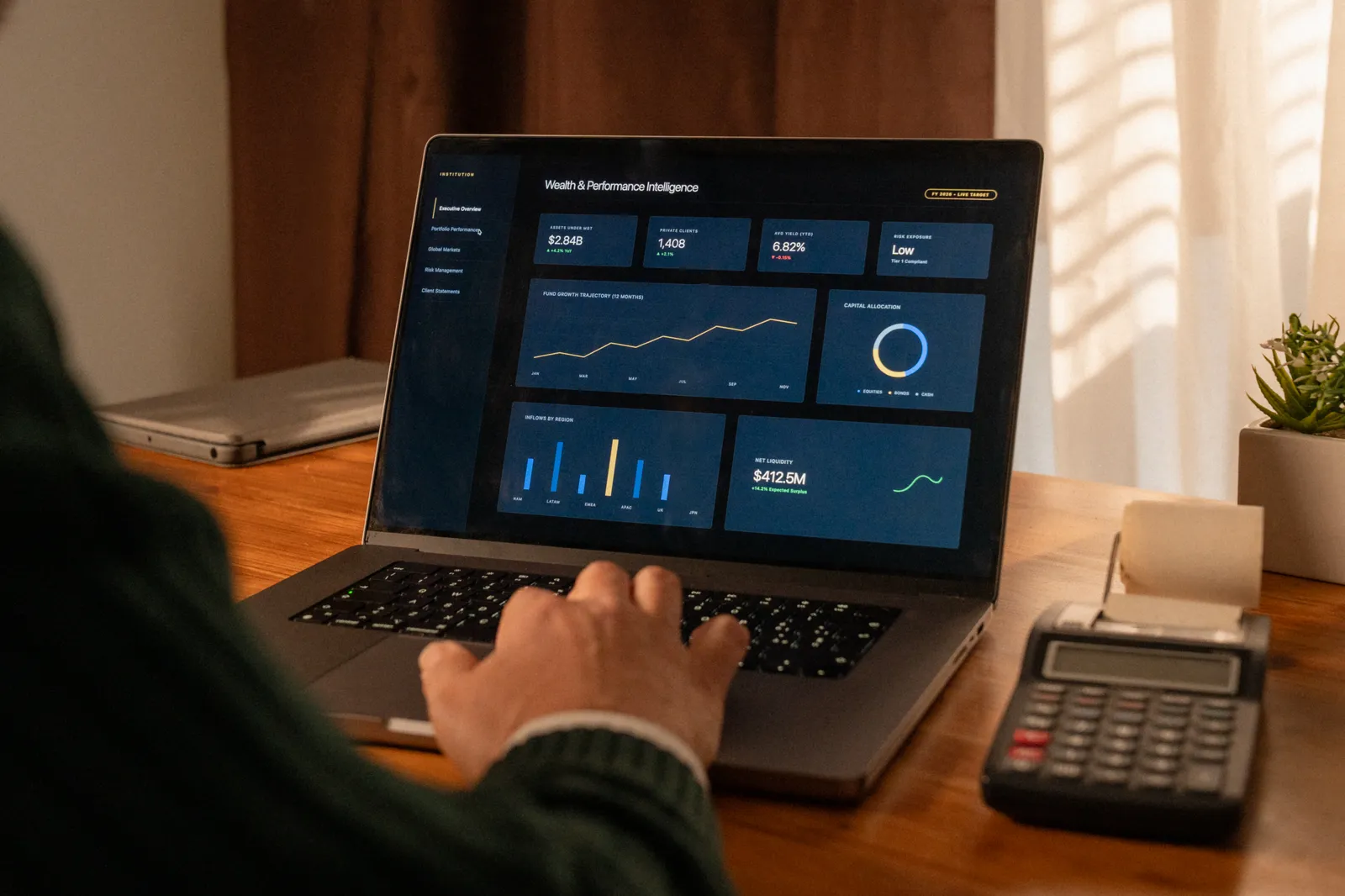
Building a startup in 2026 requires speed, scalability, and efficient management tools. Whether you're creating a SaaS platform, marketplace, AI application, or internal business tool, one thing is certain — your product needs a modern admin dashboard.
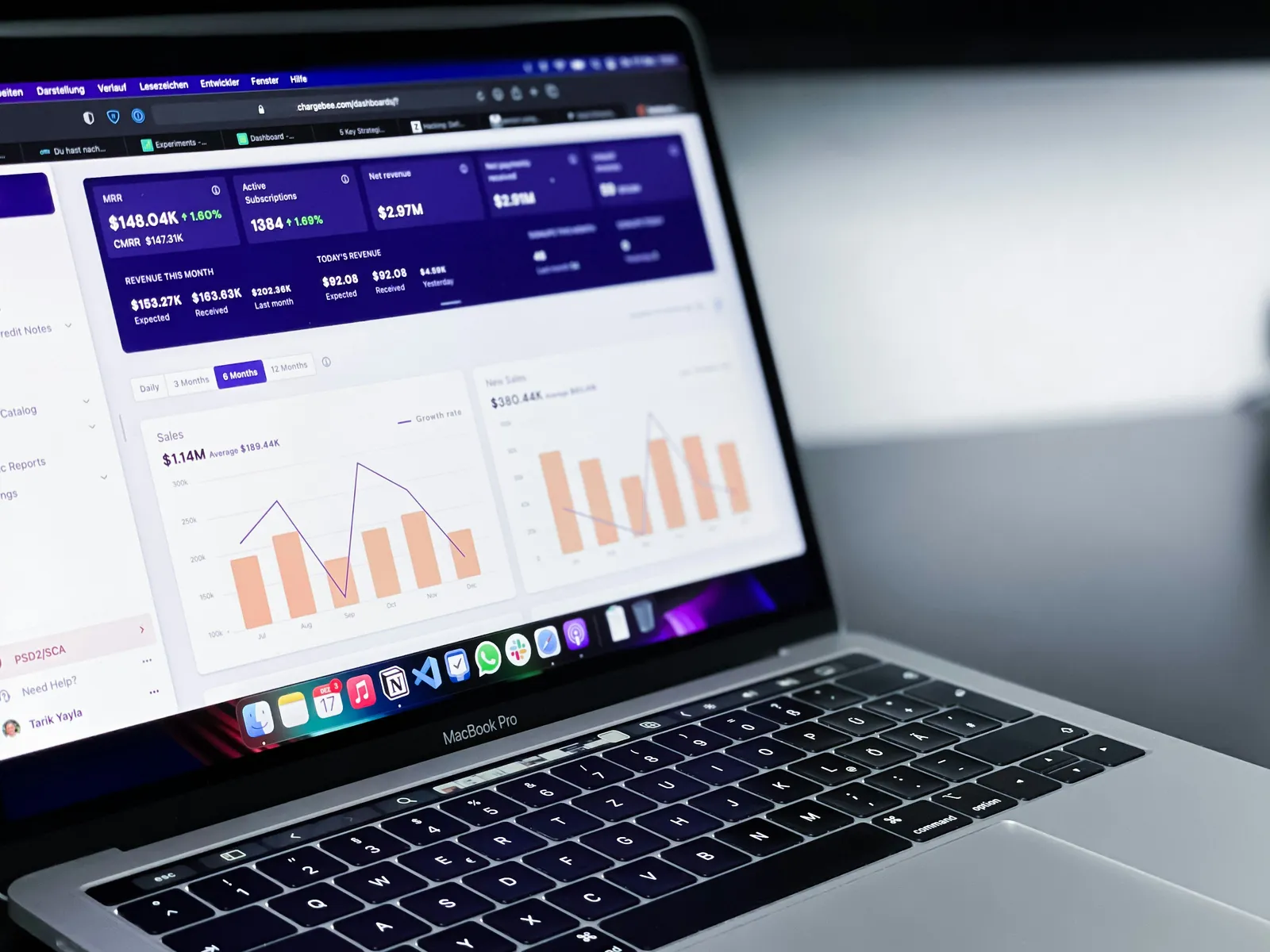
Admin dashboards are no longer just “backend panels.” They’ve become essential control centers for analytics, users, payments, content management, and business operations.
In this article, we’ll explore why modern startups rely heavily on admin dashboards and how they help teams launch and scale faster.
Table of Contents
What Is an Admin Dashboard?
Why Startups Need Admin Dashboards
Key Features of a Modern Dashboard
Benefits for SaaS Startups
Popular Dashboard Technologies
Common Dashboard Mistakes
How Templates Speed Up Development
Final Thoughts
What Is an Admin Dashboard?
An admin dashboard is a centralized interface that allows businesses to manage data, users, analytics, and system operations.
Most modern dashboards include:
User management
Analytics charts
Billing systems
Notifications
Content management
Settings panels
API integrations
Dashboards help startups organize everything in one place.
Why Startups Need Admin Dashboards
Startups move fast, and manual workflows quickly become inefficient.
A modern dashboard helps teams:
Monitor application performance
Manage customers
Analyze business metrics
Automate workflows
Reduce operational complexity
Without a proper dashboard, scaling becomes significantly harder.
Better Decision Making with Analytics
Data is one of the most valuable assets for startups.
Modern dashboards provide real-time insights such as:
User growth
Revenue metrics
Conversion rates
Subscription activity
Customer engagement
These insights help founders make smarter business decisions faster.
Improved Team Productivity
Admin dashboards reduce repetitive tasks and simplify operations.
Instead of using multiple disconnected tools, teams can manage everything from a single interface.
This improves:
Workflow efficiency
Collaboration
Customer support
Operational speed
Enhanced User Management
Most SaaS products require advanced user management systems.
Modern dashboards make it easier to:
View users
Ban or suspend accounts
Assign permissions
Manage subscriptions
Track activity logs
Role-based access systems are especially important for growing businesses.
Key Features of a Modern Dashboard
Responsive Design
Users expect dashboards to work smoothly across:
Desktop
Tablet
Mobile devices
Responsive interfaces improve accessibility and usability.
Dark Mode Support
Dark mode has become a standard feature in modern applications.
It improves:
User experience
Visual comfort
Product aesthetics
Real-Time Analytics
Live charts and real-time updates allow businesses to monitor critical metrics instantly.
This is especially useful for:
SaaS products
AI platforms
Marketplaces
Financial tools
Authentication & Security
Security should always be a priority.
Modern dashboards often include:
JWT authentication
OAuth login
Role-based permissions
Activity logs
Two-factor authentication
Popular Dashboard Technologies in 2026
Here are some of the most popular technologies used for admin dashboards:
TechnologyPurposeReactFrontend UINext.jsFullstack frameworkTailwind CSSStylingTypeScriptType safetyPostgreSQLDatabasePrismaORMChart.js / RechartsAnalytics chartsStripePayments
These technologies help developers build scalable dashboards efficiently.
Common Dashboard Mistakes
Overcomplicated UI
Too many charts and widgets can overwhelm users.
Good dashboards focus on:
Simplicity
Clear navigation
Important metrics only
Poor Performance
Heavy dashboards can become slow and frustrating.
Optimization is critical for:
Charts
API requests
Database queries
Rendering performance
Weak Permission Systems
Poor access control can create serious security risks.
Always implement:
Role-based permissions
Secure authentication
Protected routes
How Templates Speed Up Dashboard Development
Building a dashboard from scratch takes significant time.
Modern templates already include:
Authentication systems
Responsive layouts
Charts
Tables
User settings
Dark mode
UI components
This allows startups to launch much faster.
Templates are especially useful for:
SaaS startups
AI products
Internal company tools
Marketplaces
Analytics platforms
Why Developers Prefer Dashboard Templates
Developers use dashboard templates because they:
Save development time
Reduce design work
Improve consistency
Speed up MVP launches
Provide scalable architecture
Instead of building repetitive systems, developers can focus on core business features.
Final Thoughts
Modern admin dashboards are no longer optional — they are essential for startups building scalable digital products.
A well-designed dashboard improves:
Productivity
User management
Analytics
Security
Business operations
In 2026, startups that move faster and manage data efficiently will have a major competitive advantage.
If you're looking for modern dashboard templates, SaaS starter kits, and developer resources, visit NexoRush